How to Redeem Anime Ragdoll Engine Codes
Chat-only redemption walkthrough with troubleshooting for PC, mobile, and console.
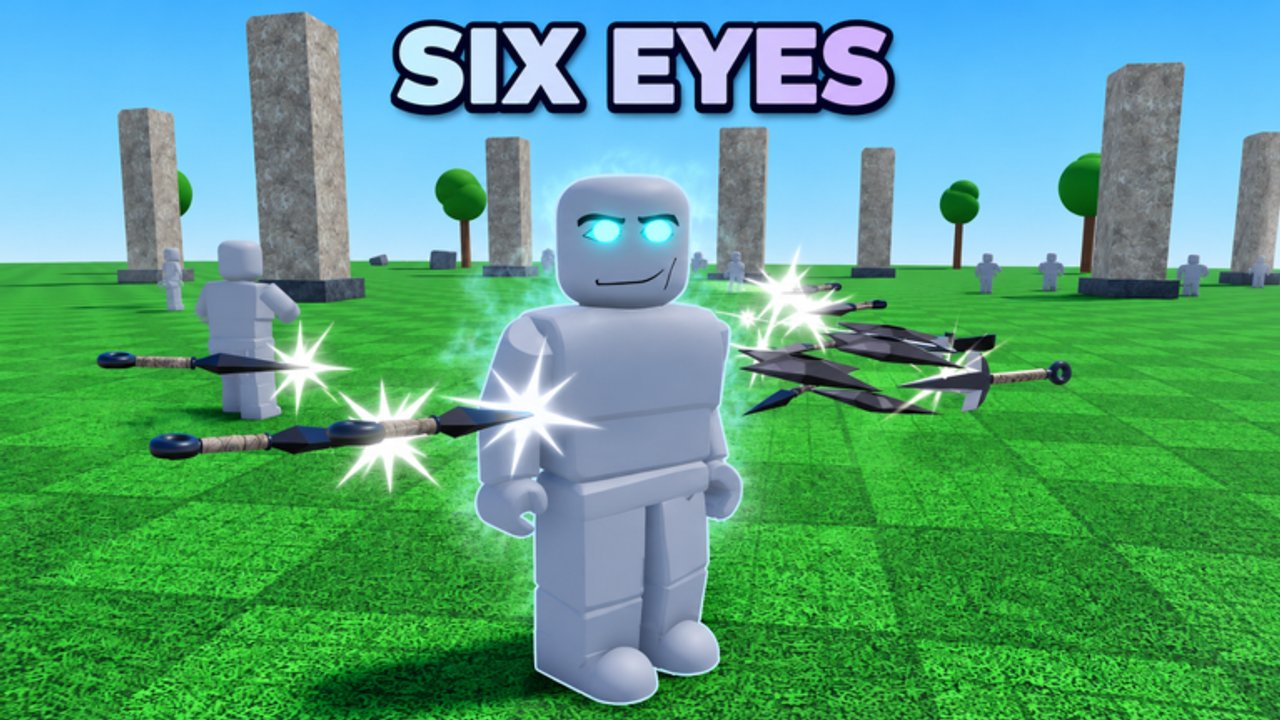
Redeeming promo codes in Anime Ragdoll Engine is intentionally simple: you type them in chat. There is no Codes button, no Settings redeem field, and no website form. If you came from another Roblox experience that uses a gift menu, ignore those habits here. This guide walks through every reliable step, then covers failures that Early Phase lobbies still throw at players.
Before you start, open the live list on the Codes Hub so you copy the exact active string. As of the 1000 likes milestone, that string is !1000LikesTYSM. Rewards are 300 Ryo, 2 balloons, 2 anvil drops, and 1 Mega Bomb. New players who have not finished onboarding should skim Getting Started so they know where inventory and currency appear after a successful redeem.
Prerequisites
- A Roblox account that can join the official place: Anime Ragdoll Engine by Default Cubes.
- Stable connection. Chat messages can drop during heavy physics sessions or when multiplayer lobbies fill toward five players.
- The current code from the Codes Hub, not a screenshot from an old video.
- Enough time to load fully into a lobby, Training Grounds V2, or another sandbox map before typing.
You do not need Robux to redeem official milestone codes. Anyone asking you to pay for a “private redeem link” is scamming.
Step-by-step: PC and laptop
- Launch Roblox and join Anime Ragdoll Engine.
- Wait until your character spawns and UI elements finish drawing. Early Phase loading can stutter—do not rush chat.
- Locate the chat control in the top-left of the screen (standard Roblox chat affordance).
- Click the chat field so the text cursor appears.
- Type or paste
!1000LikesTYSMexactly. Include the exclamation mark. Do not add spaces before or after. - Press Enter to send the message as a chat command.
- Watch for a confirmation toast, system message, or inventory update.
- Open your inventory or currency readout and confirm Ryo, balloons, anvil drops, and Mega Bomb.
If the chat bar refuses focus because a shop, VIP trial popup, or daily rewards panel is open, close those overlays first. Shadow Monarch and daily reward UI can sit above chat until dismissed.
Step-by-step: mobile
Mobile layouts still use Roblox chat, but touch targets differ:
- Join the experience and wait for full spawn.
- Tap the chat icon (typically near the top-left or the chat bubble control).
- If the on-screen keyboard covers critical HUD, rotate to landscape for easier typing.
- Enter
!1000LikesTYSMcarefully—autocorrect sometimes strips!or inserts spaces. - Send the message, then verify rewards.
Disable autocorrect for the Roblox app session if your keyboard keeps “fixing” the code. Paste from a notes app when possible to avoid typos.
Step-by-step: console
Console support arrived in recent quality-of-life updates. Chat availability depends on your platform’s text entry:
- Join on console and complete spawn.
- Open the Roblox chat / text entry flow using your controller’s documented bind (often through the Roblox menu or on-screen keyboard).
- Enter the code precisely, then submit.
- If text chat is restricted on your account or platform, redeem once on PC or mobile, then return to console play.
Codes are account-bound gifts. Redeeming on one device credits the same Roblox account everywhere.
What success looks like
A clean redeem usually shows some combination of:
- A short system or toast message acknowledging the milestone gift.
- An immediate Ryo balance increase (plus 300 when
!1000LikesTYSMworks). - New stack counts for balloons, anvil drops, and Mega Bomb.
Spend Ryo thoughtfully in the expanded shop rather than dumping everything on the first cosmetic. Balloons and bombs shine when you practice fling physics on dummies or clear space in Training Grounds V2. Cross-check sandbox goals with Guides and character strength notes on the Tier List Hub.
Troubleshooting failed redeems
“Invalid code” or no response
- Recheck spelling:
!1000LikesTYSMis case-sensitive in practice for many experiences—match the hub table exactly. - Confirm the leading
!is present. - Remove hidden spaces introduced by copy-paste from stylized fonts.
- Leave and rejoin if chat networking stalled mid-session.
“Already redeemed”
Milestone gifts are typically one claim per account. You will not receive a second 300 Ryo pack on alt attempts with the same account. Switch accounts only if you intentionally maintain multiples; never share passwords.
Chat will not open
- Close daily rewards, shop, VIP trial, or leaderboard overlays from the Shadow Monarch update.
- Verify Roblox privacy settings allow chat in experiences.
- Soft-rejoin the server; Early Phase bugs can desync UI listeners.
Rewards missing after a success message
Inventory replication can lag during heavy ragdoll simulations. Wait a short moment, respawn once, or rejoin. If Ryo still never arrives and the code is marked active on the Codes Hub, try a quieter server with fewer concurrent physics events.
Confused with likes unlocks
The 500 likes community unlock granted a 30-minute free VIP character trial and sandbox modifiers such as Time Stop. That is not something you type in chat. Slow Motion later became free for all players after a separate patch. Keep chat codes and like milestones mentally separate so you do not think a modifier trial “failed” when you typed a Ryo code.
Safety checklist
- Redeem only inside the official Roblox client for Anime Ragdoll Engine.
- Never enter codes on third-party “redeem bots” or phishing sites.
- Do not share account cookies, session tokens, or passwords with anyone offering “code help.”
- Treat script executors as unrelated risk—see the Scripts Hub if you still choose that path. Codes do not require executors.
After you redeem: next actions
- Note your new Ryo total and plan shop purchases around current retunes from the Updates Hub.
- Try balloons and Mega Bomb in a low-stakes Training Grounds session before multiplayer showcases.
- If a VIP trial window is active from likes milestones, sample the VIP kit without spending.
- Return to the Codes Hub whenever likes, favorites, or update posts hint at a new string.
Related reading
- Codes Hub — active and expired tables
- Getting Started — controls, Ryo basics, first-hour sandbox plan
- Updates Hub — Shadow Monarch, lobbies, and QoL context
- Scripts Hub — optional scripts with ban warnings (not required for codes)
Follow these chat steps carefully and you should claim !1000LikesTYSM in under a minute once your lobby finishes loading. When the next milestone code drops, the redeem flow stays the same: top-left chat, exact string, Enter, then verify Ryo and drops.
Frequently Asked Questions
Quick answers to the most common questions.
Is there a Codes button in Anime Ragdoll Engine?
No. Codes are redeemed only by typing them in the in-game chat. Open chat from the top-left, enter the code, and press Enter.
How do I redeem !1000LikesTYSM?
Join the game, open chat, type !1000LikesTYSM exactly including the exclamation mark, press Enter, then confirm 300 Ryo plus balloons, anvil drops, and Mega Bomb.
Can I redeem codes on mobile or console?
Yes if your platform can open Roblox chat text entry. Mobile users should watch autocorrect; console players may need the on-screen keyboard or a one-time PC redeem on the same account.
Do I need an executor to redeem codes?
No. Official codes only need the Roblox client chat. Executors are unrelated and carry ban risk—see the Scripts Hub if you are researching that separately.
What should I do if the code says already redeemed?
Milestone codes are usually once per account. You cannot claim !1000LikesTYSM twice on the same Roblox account. Check the Codes Hub for any newer active strings.